
Mo: Save & Remember
From scattered saves to action with AI.
Mo turns links, screenshots, social posts, recipes, products, places, school info, gift ideas, and everyday ideas into organized, searchable cards you can actually use later.
iOS only. Currently in testing.
The problem
Your saves are everywhere.
Busy people — like you — are constantly saving recipes, products, restaurant reels, school info, gift ideas, screenshots, links, and random ideas they mean to come back to.
But later? They're buried in camera rolls, notes, bookmarks, texts, and saved posts.
How Mo helps
Not just saved — understood.
Mo doesn't just save the link. It understands what you saved, organizes it into useful cards, and helps you find it when you need it.
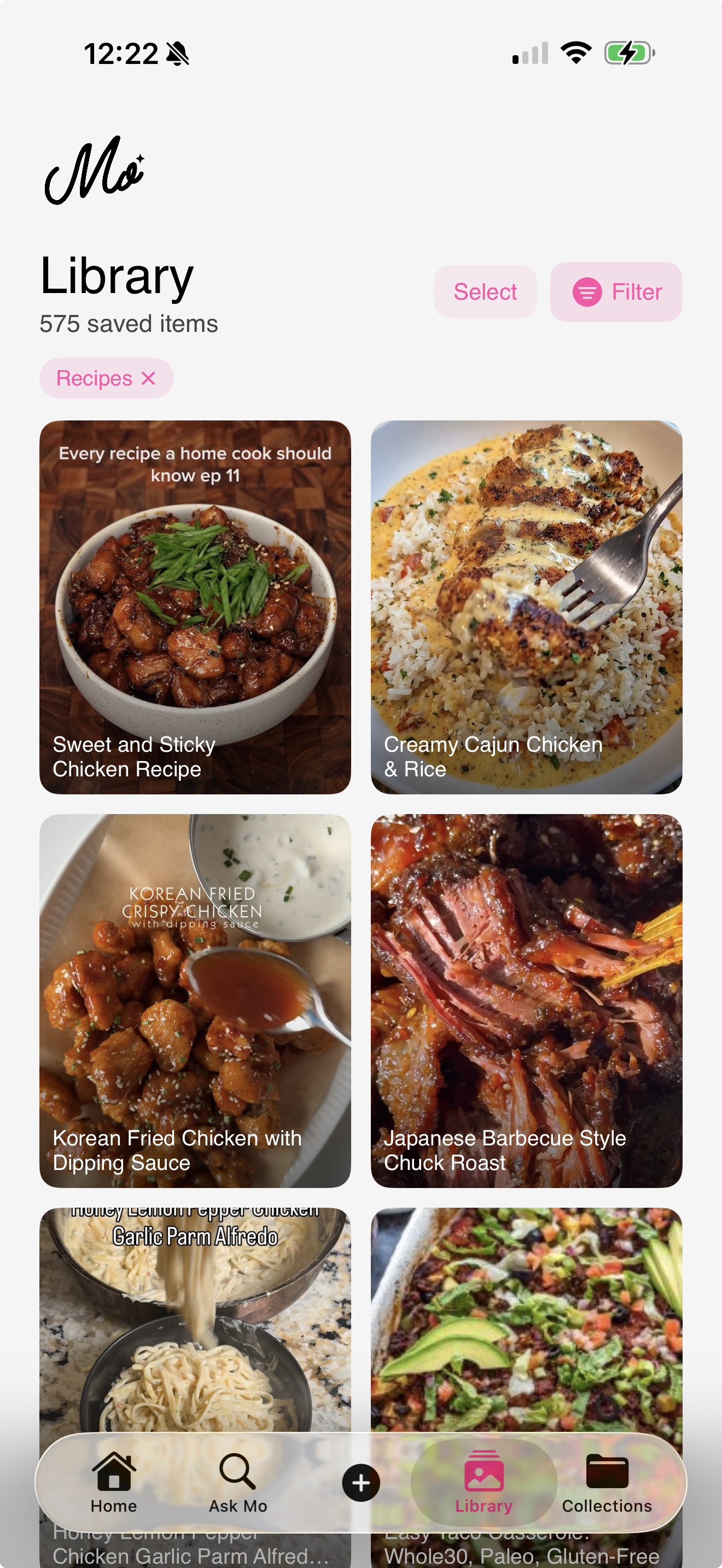
Save from anywhere into one visual Library.
Send Mo links, screenshots, photos, notes, recipes, products, places, and social posts from the apps you already use.
- •Save from the iOS Share Sheet
- •Works great for screenshots and social content
- •Keeps everything together instead of scattered everywhere
Mo pulls out the useful part.
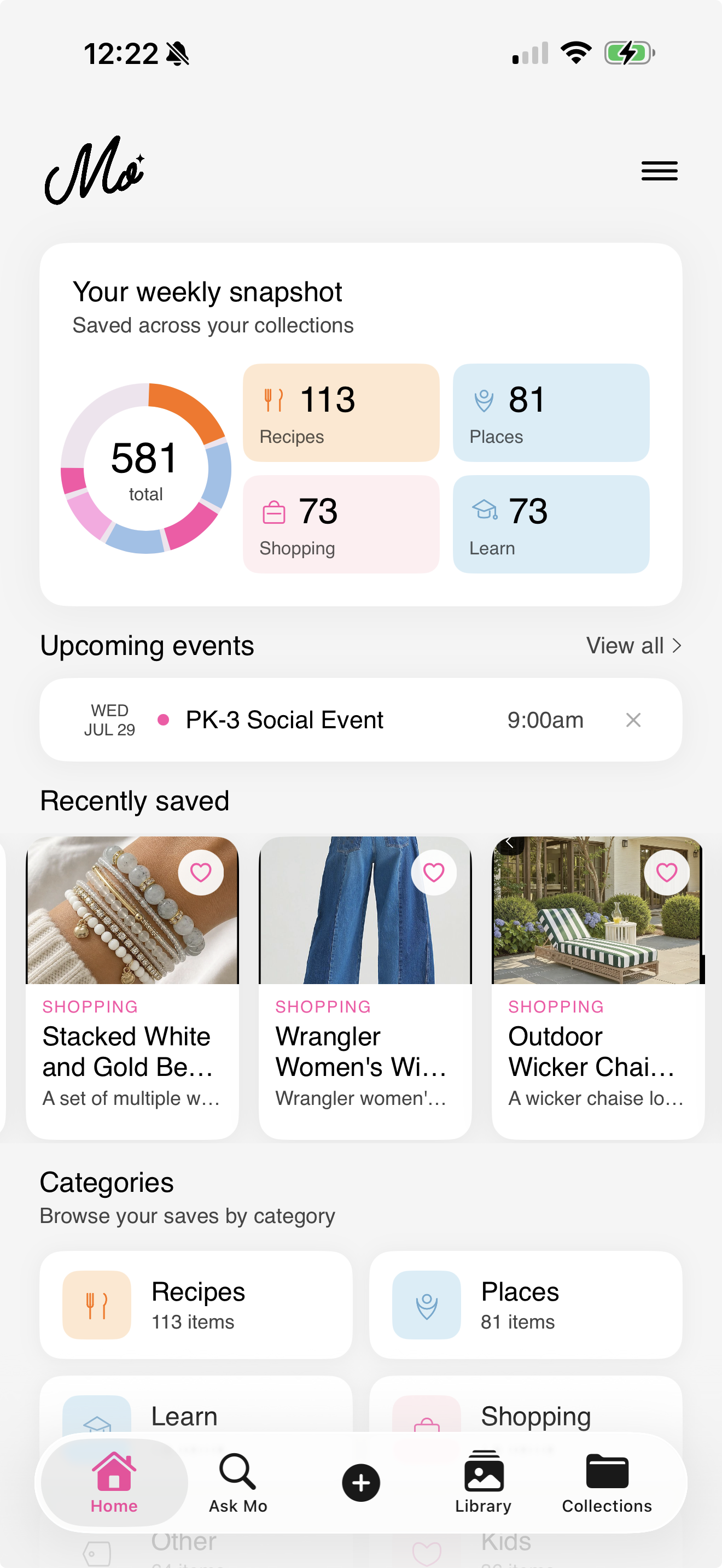
AI turns scattered saves into organized cards with summaries, images, categories, collections, and helpful details.
- •Summaries and key details
- •Recipes, products, places, and more
- •Keeps original source links so you can go back anytime
Search your saves without digging.
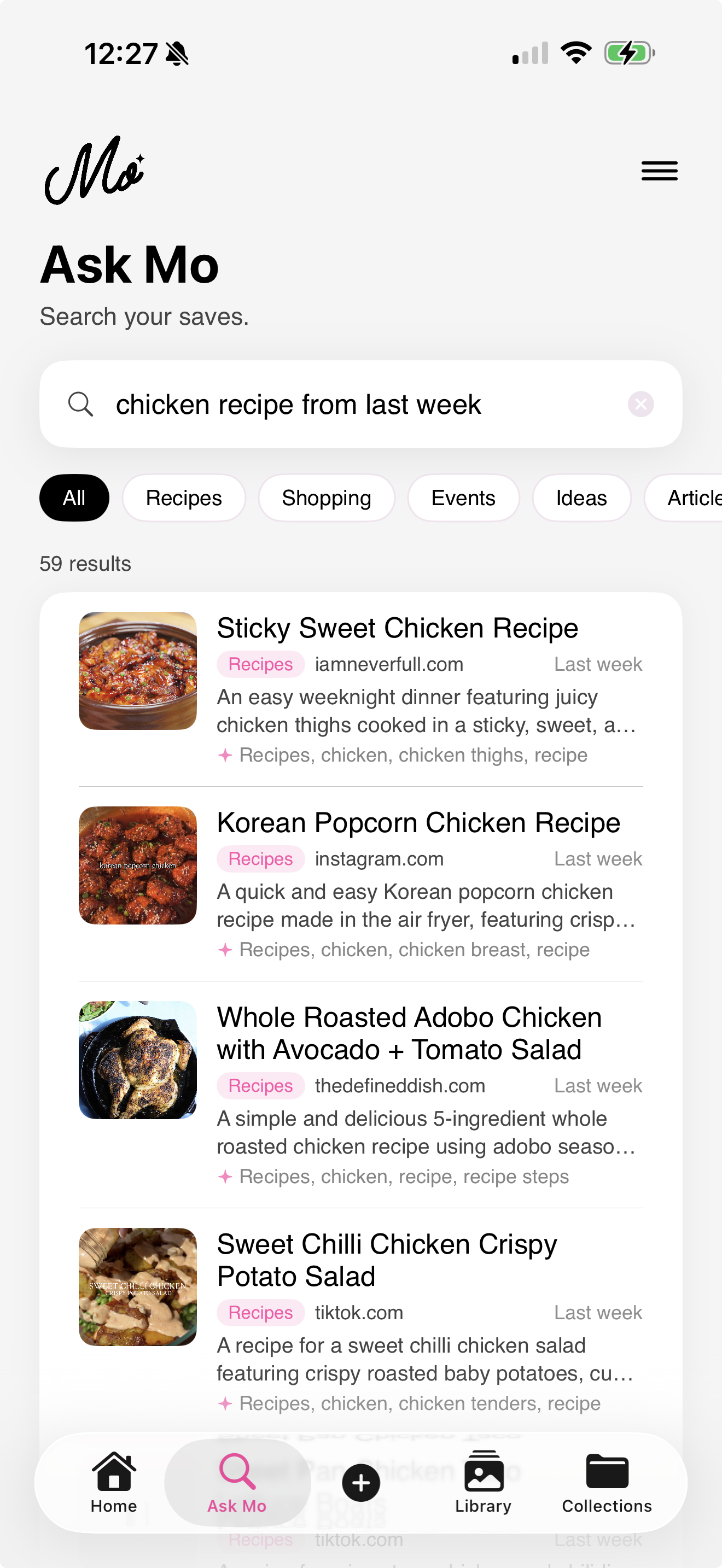
Only remember part of the save? Ask Mo. Search by keyword, category, or the detail you actually remember.
- •Find recipes, products, places, events, and ideas
- •Helpful "Did you mean?" typo correction
- •Built for real-life searching, not perfect memory
What you can save
Built for the things people actually save.
Mo is especially useful for real-life clutter: social posts, screenshots, shopping finds, recipes, places, school info, and ideas.
Save useful content from Instagram, TikTok, Facebook, Pinterest, Reddit, and X/Twitter.
Save product screenshots, outfit posts, and shopping links — then find the item later.
Turn restaurant reels, travel tips, and saved places into something you can actually use.
Save recipes from links, screenshots, photos, and social posts, then keep them organized.
Collections
Organize real life.
Make collections for anything you're trying to remember: gifts, trips, school links, meals, house ideas, shopping, kids activities, outfits, restaurants, and more.
Pricing
Start free.
Free for casual saving. Pro for people who save a lot and want more AI help.
Start saving
- ✓10 AI saves per week
- ✓Save links, screenshots, notes, and photos
- ✓Visual Library
- ✓Collections
- ✓Over-limit saves wait in a queue instead of being lost
Save More
$59.99 / year
- ✓More AI saves
- ✓Better for heavy saving, planning, and organizing
- ✓Great for shopping, recipes, places, and everyday life
- ✓Built for people who save everything
Coming soon for iPhone
Stop losing the things you save.
Mo turns scattered links, screenshots, and social posts into organized, searchable cards you can actually use later.